Copy once.
Find it always.

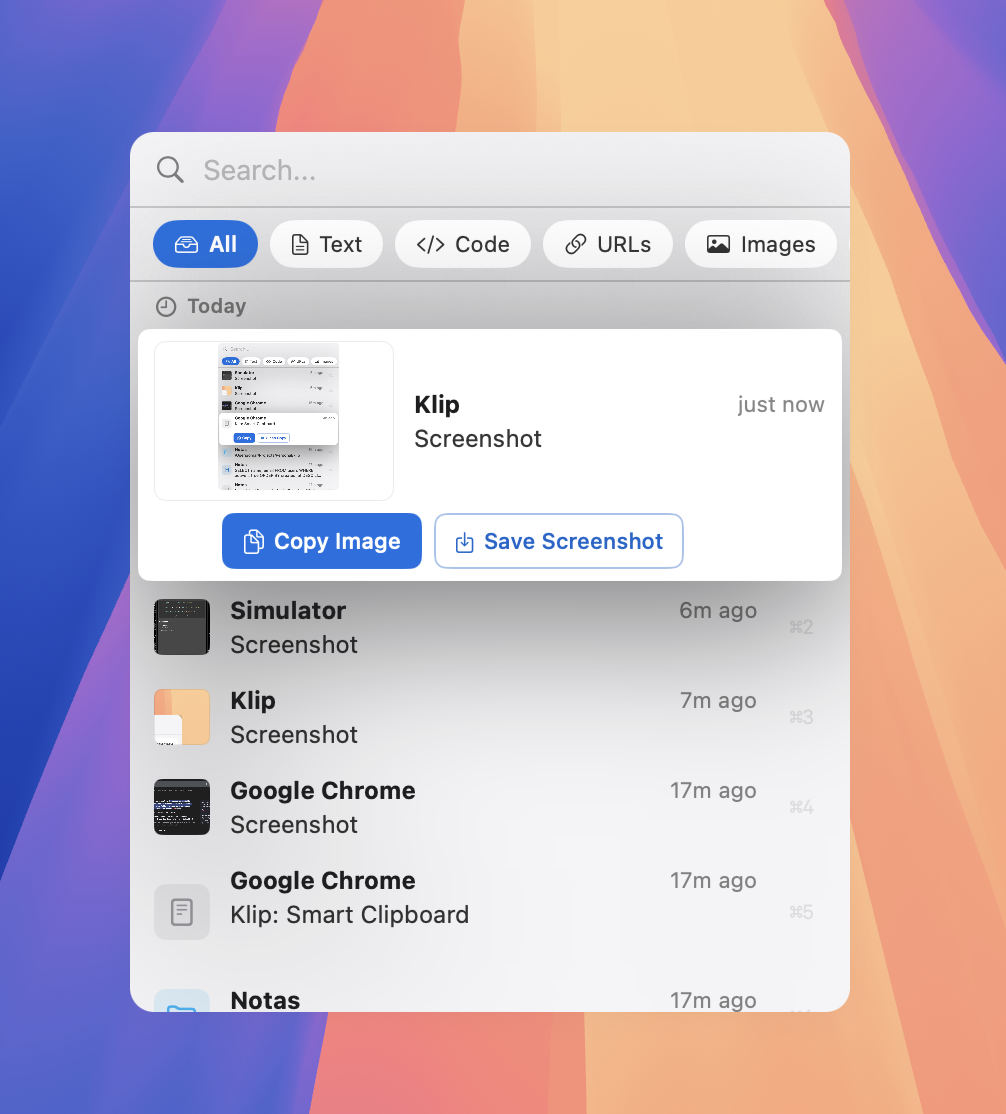
Klip remembers everything you copy and knows what it is — URLs, code, credentials, images. Runs locally. No accounts. No cloud.

Download on the Mac App Store
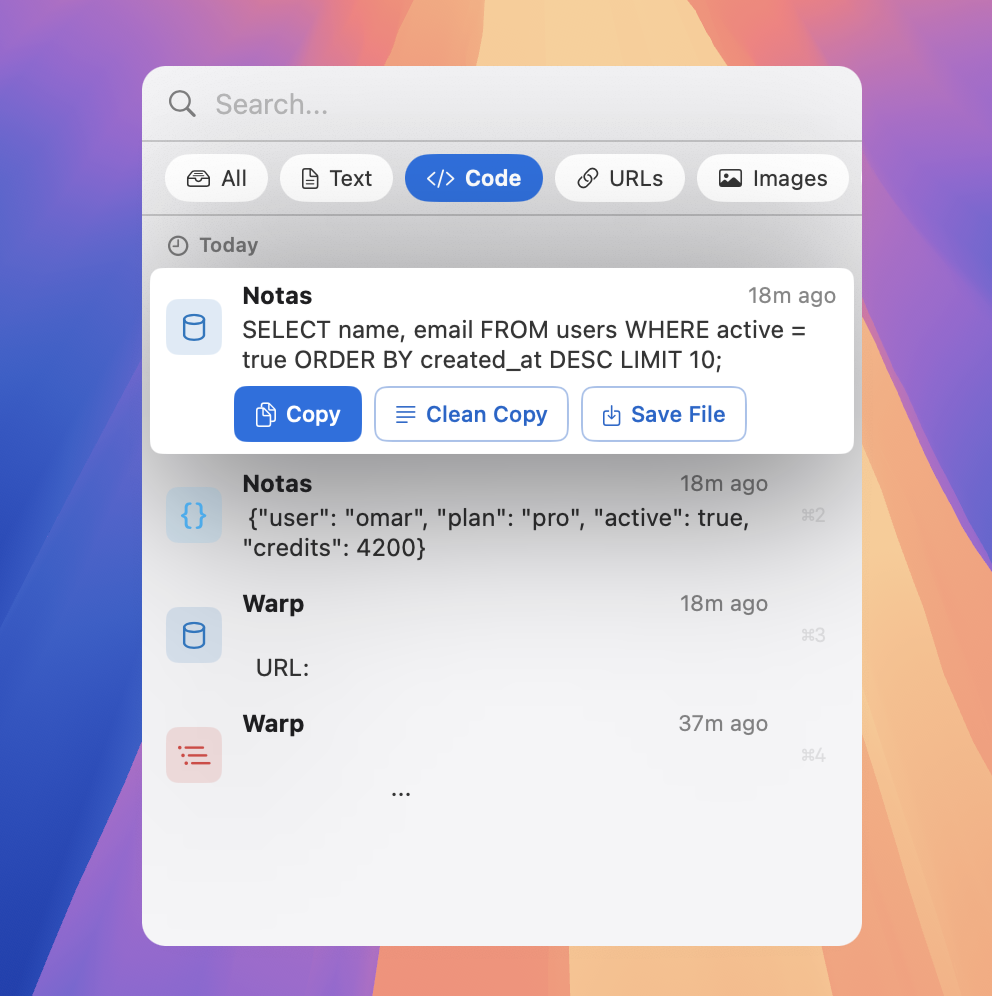
Code detection

Knows what it is

URLs, JSON, SQL, emails, API keys — 30+ types, tagged automatically.

Keyboard first.

No mouse needed.

V
↑↓Navigate
Paste
⌘1-9Quick pick
SpacePreview
Delete

Fuzzy search

|ghub
GitHub token

Blocks secrets

120+ patterns

Stripesk_live_Ab••••••xy12
GitHubghp_xxxx••••••xx
AWSAKIA••••••••••QW
Filters

Filter, don't scroll

Text, Code, URLs, Images, Files — one tap to narrow down.
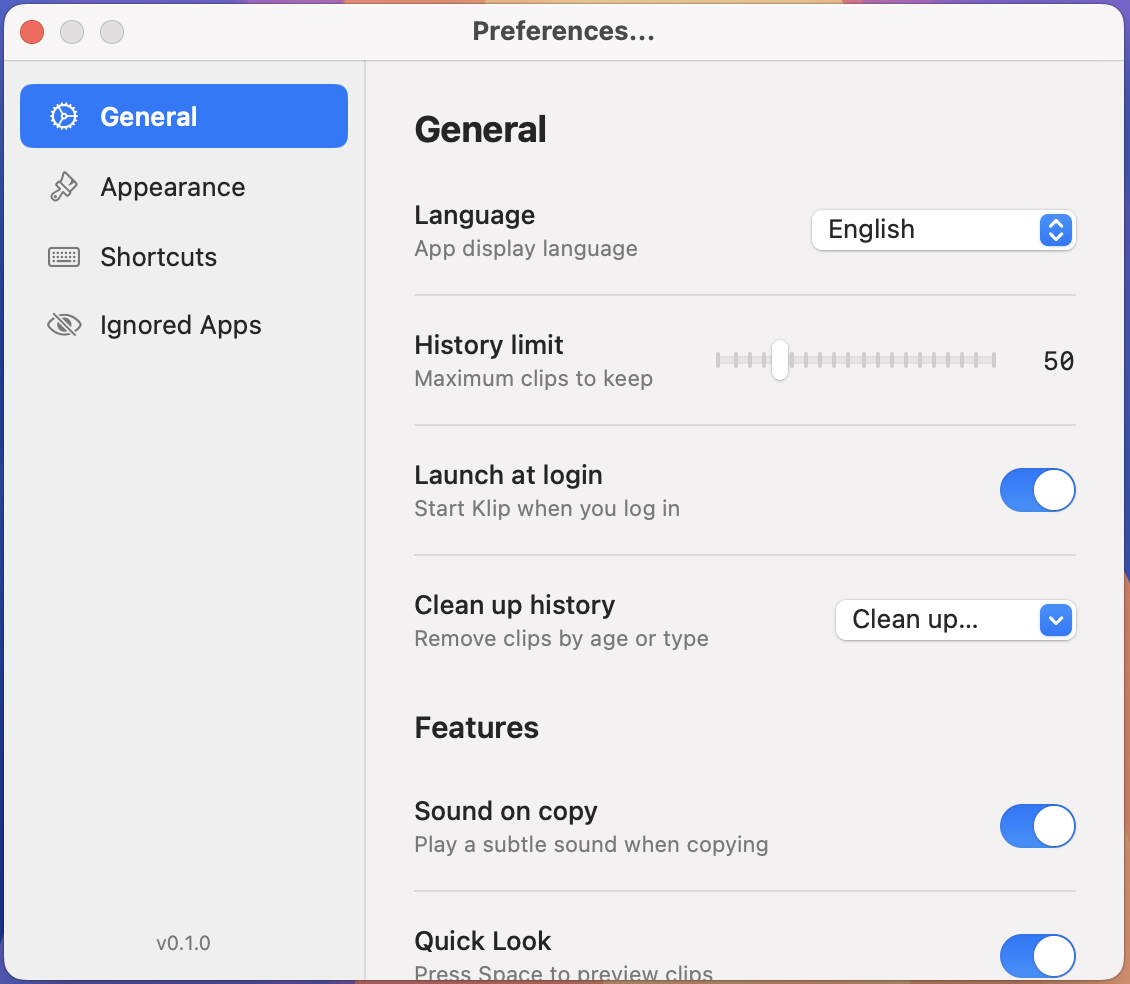
Settings

Make it yours

Language, theme, credential policy, history limit — all in Preferences.

Light & dark

Follows your system. Or pin it.

Offline by design.

0 network connections
0 tracking pixels
0 accounts required

No server. No analytics. No account system. We can't see your data — we never built a way to.

How it works.

1

Copy as usual

Klip sits in your menu bar. Every copy is saved automatically.

2

Press ⌘⇧V

A popup appears right at your cursor. No window switching.

3

Pick and paste

Search, filter, or browse. Select a clip and it's ready to paste.